Skirts
Wrap Edge to a High-Low, Inside Showing Skirt
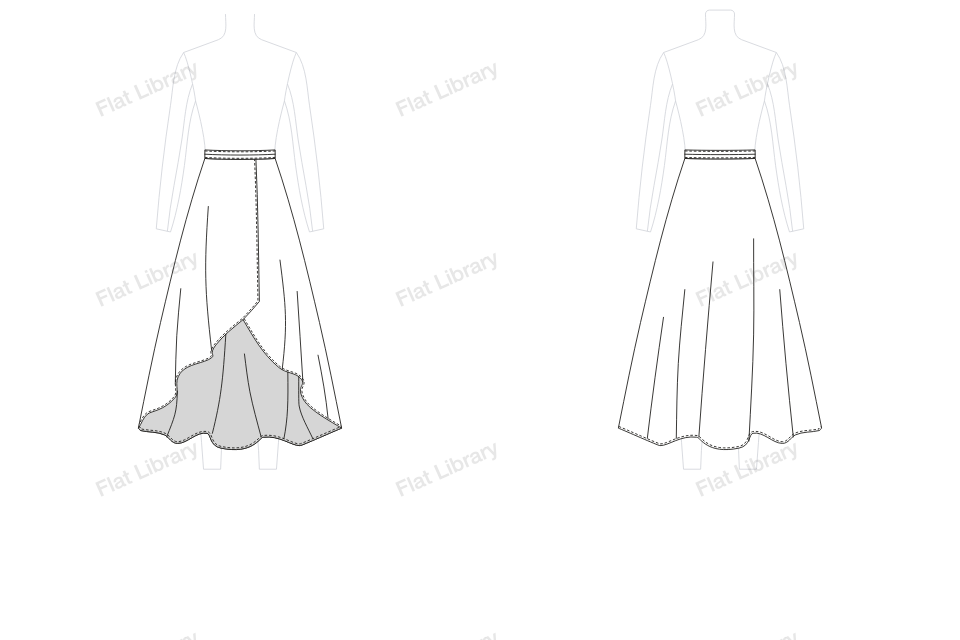
The Wrap Edge to a High-Low, Inside Showing Skirt is one of the silhouettes in the skirt library, drawn front and back.
- Views
- Front and back, drawn together
- Named layers
- Body and Waistband
- Anchors
- 150 on the front, only where a line turns
- File
- Editable vector in Adobe Illustrator
How to draw a wrap edge to a high-low, inside showing skirt flat in Illustrator
- Open Flat Library in Adobe Illustrator and go to Skirts.
- Choose Wrap Edge to a High-Low, Inside Showing Skirt from the pictures. It is drawn on the template, front and back.
- Pull the blue points to change its length, width, neck and sleeve. The front and back redraw together, and the figure stops you going too tight.
- Insert it into your document as clean, named layers, and keep working by hand.
More skirts
Gathered Wrap High-Low, Ruffled Edge SkirtLayered High-Low, Pointed Inner Panels SkirtSlanted Peplum, High-Low Cascade SkirtLong High-Low, Panel Seams, Back Point SkirtDouble Centre Cascade, High-Low SkirtWavy High-Low Flounce SkirtOrigami Hip Folds, Wrap SkirtRuched Channel, Curved Wrap Slit SkirtSide Ruched Hips, Tulip Wrap, Small Cascade SkirtCurved Stitched Seams, Wrap Flounce SkirtWrap Edge to a Train, Hip Pleats SkirtTrumpet High-Low, Fluted Shell Back Skirt