Pants
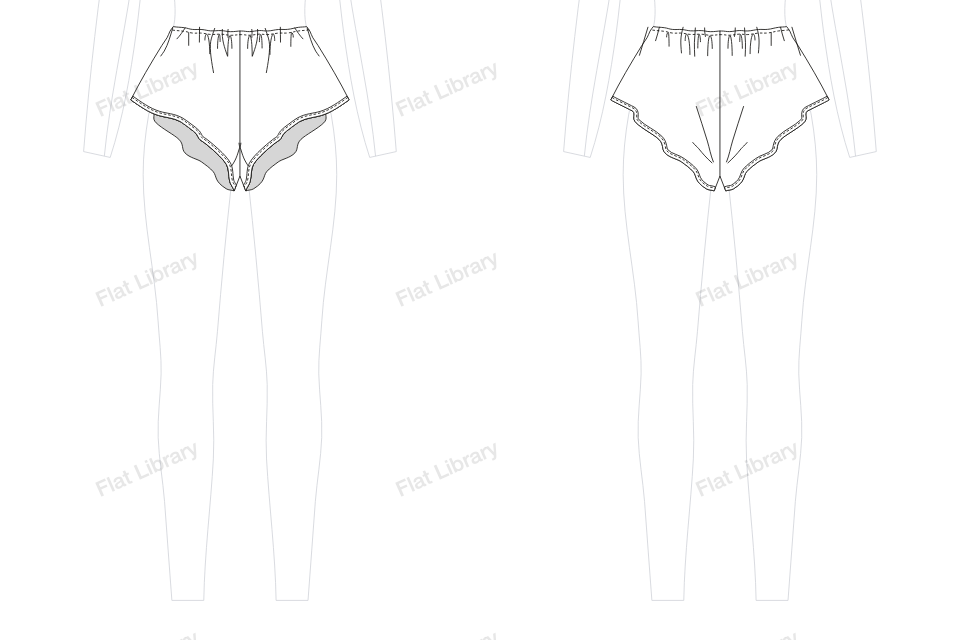
Tap Shorts
The Tap Shorts is part of the Flat Library collection.
- Views
- Front and back, drawn together
- Named layers
- Inside Back (below), Shorts and Elastic Casing
- Anchors
- 206 on the front, only where a line turns
- File
- Editable vector in Adobe Illustrator
How to draw a tap shorts flat in Illustrator
- Open Flat Library in Adobe Illustrator and go to Pants.
- Choose Tap Shorts from the pictures. It is drawn on the template, front and back.
- Pull the blue points to change its length, width, neck and sleeve. The front and back redraw together, and the figure stops you going too tight.
- Insert it into your document as clean, named layers, and keep working by hand.