Technical flats · 5 min read
What is a flat library?
Experienced designers rarely start from a blank artboard. They start from a flat library. Here is what one is, how to build your own, and when to get one ready made.
The short answer
A flat library is an organised collection of reusable technical flats: base garments, necklines, sleeves, pockets, trims and stitch lines, all drawn to the same template and line style. Designers start new styles from it instead of a blank page, which saves time and keeps a range consistent. Flat Library is also the name of our panel for Adobe Illustrator, which is exactly that.
Why designers keep one
Most new styles are not new from top to bottom. A new shirt is often last season's shirt with a different collar and a longer hem. Drawing it all over again is a waste of a designer's time, and it opens the door to mistakes.
- Speed. You can build on what is already right, instead of redrawing it.
- Consistency. With one template and one line style, a range looks like it came from one team, even when it did not.
- Fewer errors. A flat that has been through a factory has already been checked. Reusing it carries that over to the next style.
- Handover. A new team member can see how things are done from day one.
What goes in a flat library
| Part | Examples |
|---|---|
| Body templates | Your base figures, arms out and arms down |
| Base garments | Tops, dresses, skirts, pants, jackets and coats |
| Neck and collar | Necklines, collars and hoods |
| Sleeves and cuffs | Sleeves, cuffs, shoulder constructions |
| Finishes | Hems, waistbands, plackets and closures, quilting |
| Trims | Pockets, zips, buttons, cords, buckles |
| Styles | Saved stroke weights, stitch brushes, colour swatches |
How to build your own
- Choose one template. Every flat in the library gets drawn on it. This is the rule that makes the rest work.
- Set your line rules. Decide your line weights and stitches once, and save them as graphic styles.
- Draw your core blocks first. For most brands, that is whatever you sell the most of. Use the method in our guide to drawing flats in Illustrator.
- Separate the parts. Keep sleeves, necks and pockets as their own named layers or symbols, so you can swap them.
- Name things in one pattern. For example: Category, Fit, Detail, Version, as in Top, Regular, Crew, V2.
- Store it where you can browse it. A shared folder, Illustrator's Libraries panel, or a contact sheet of thumbnails.
- Add as you go. Every new approved style goes back in. Remove what you would no longer use.
What goes wrong with home-made libraries
- Drift. Over time, someone resizes a template or changes a line weight, and pieces stop fitting together.
- Back views go missing. People save the front and forget the back, then have to redraw it each time.
- Swapping is still manual. Moving a new sleeve onto a body means reconnecting lines and redoing the stitching by hand, which takes real skill.
- Upkeep. Nobody has the time to keep it tidy once a busy season starts.
Flat Library, the panel
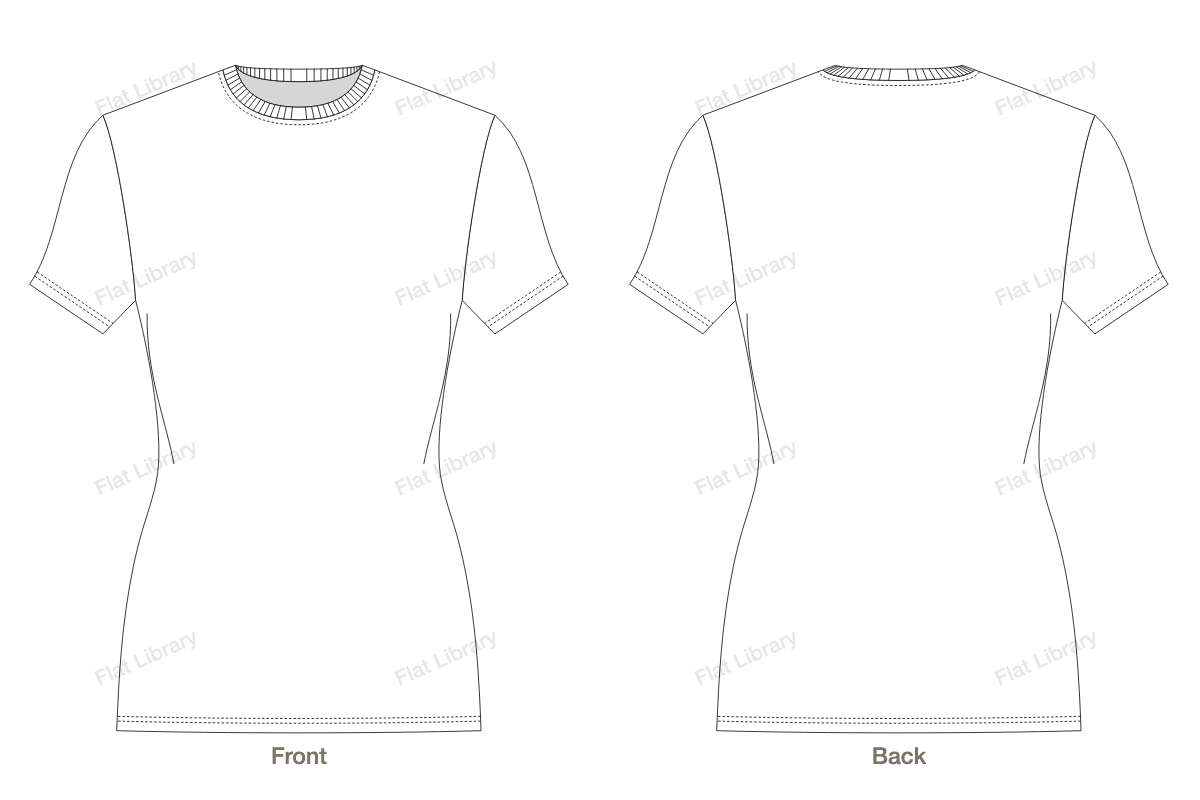
That last list is why we made this. Flat Library is a flat library that draws itself. It sits in a panel inside Adobe Illustrator, with every style on one template, in one line system, with a back to match the front.
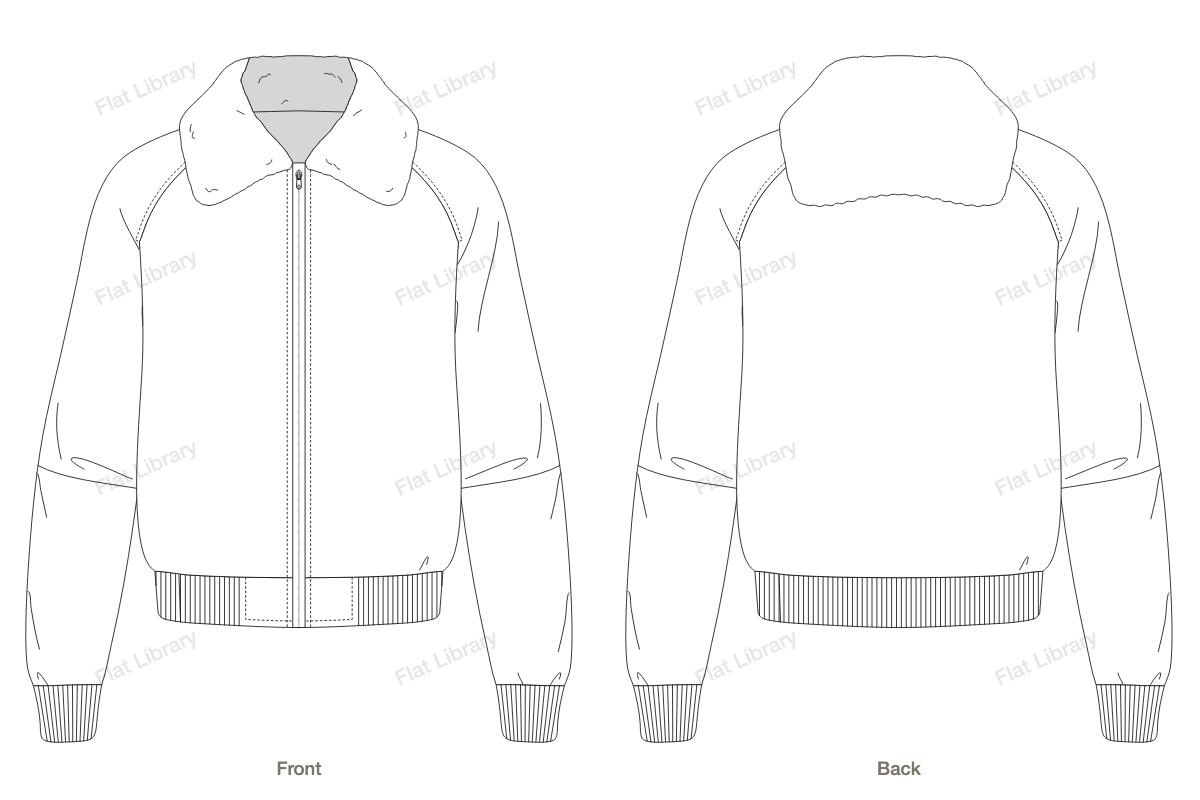
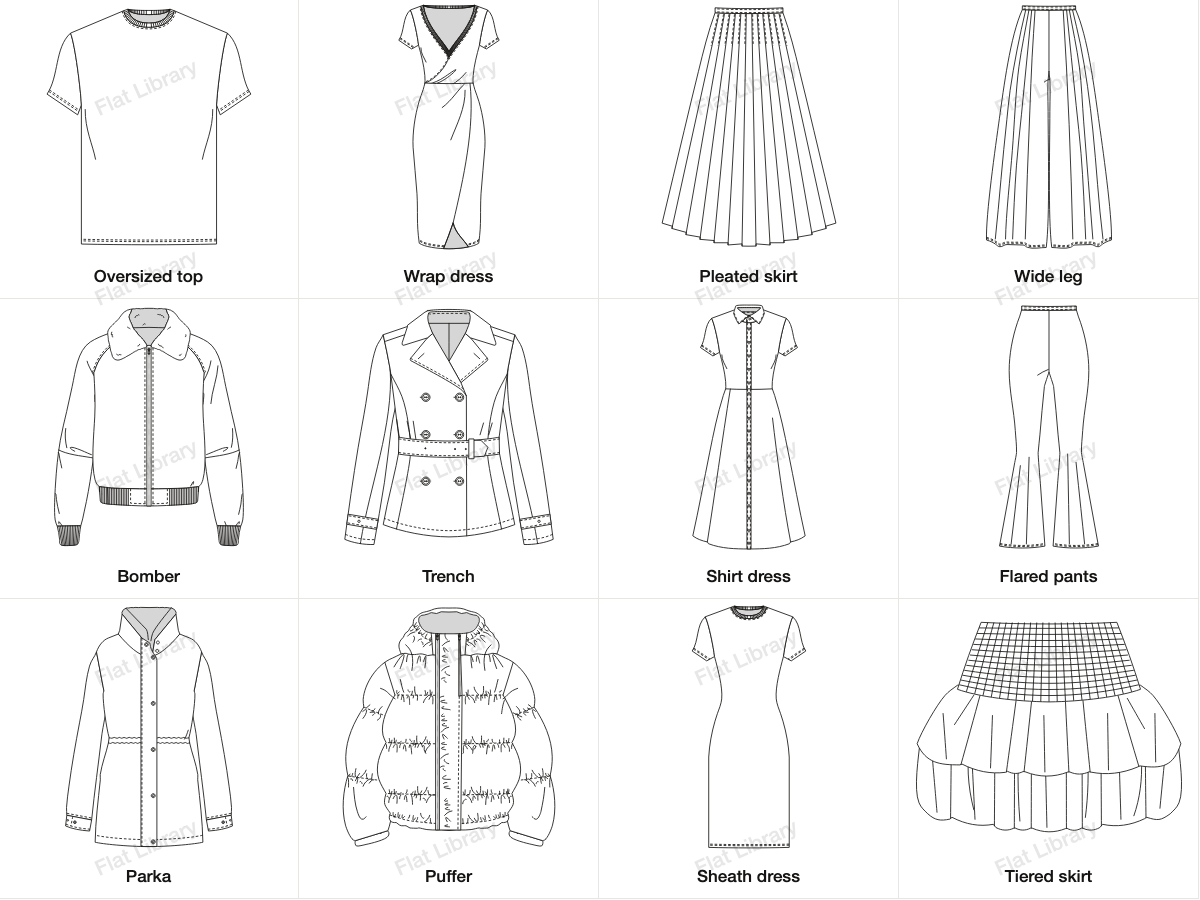
- 13 top fits, 93 necklines and 83 sleeves, along with 36 skirts, 16 dresses, 14 pants, and 31 jackets and coats, all of which mix and match.
- More than 700 trims and stitches to place on anything.
- Pull a point and it redraws, front and back together, with seams and stitching following.
- It inserts as ordinary vector, on named layers, so your own library can grow from what you make.
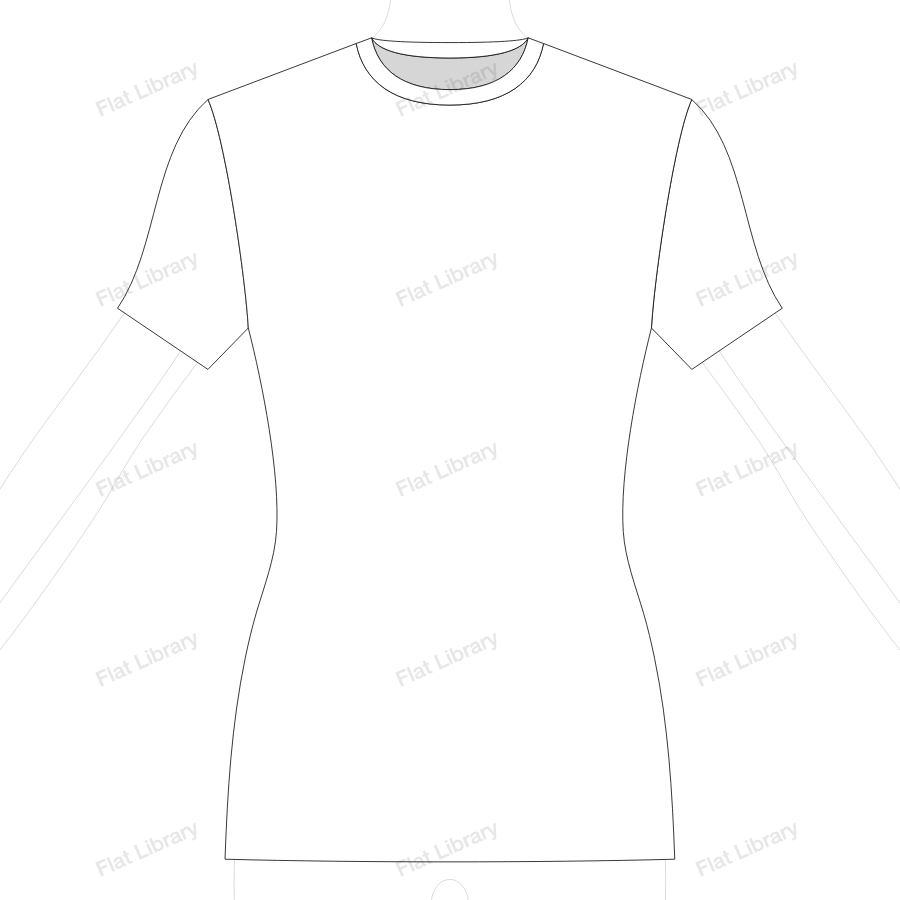
Everything is drawn on a female size S template, with the arms out or down. You can insert a garment with or without that template, and scale it onto your own figure. You can look through the full library to see what is included, style by style.
Questions people ask
What should be in a flat library?
Start with base garments for each category you make, along with common necklines, sleeves, collars, pockets, closures and hems. Add stitch styles, trims and a body template, and include the back view of everything.
How do I organise a flat library?
By category first, such as tops, dresses and pants, then by fit or style. Use one naming pattern for every file, and put a small preview where you can browse it. Keep it somewhere shared if you work in a team, and mark which version is current.
Where can I get fashion flat templates?
You can buy packs from independent sellers on sites like Etsy, Gumroad and Creative Market, license vectors from stock sites, or use a panel like Flat Library. Check that the licence allows commercial use, and that the files are real editable vector.
Should I build my own flat library or buy one?
Often both. Your own best-selling blocks are valuable, because they carry your fit and your details. A ready-made library saves you drawing the many things you need less often. Whichever you use, keep adding to it over time.
What is the Illustrator Libraries panel?
Adobe's Creative Cloud Libraries panel can store graphics, colours and styles, and share them across files and teammates. It works well as a home for your own flats, details and stitch styles, and many teams use it this way.
Is Flat Library a template pack?
No. A template pack is a set of files you open and edit by hand. Flat Library is a panel that draws garments as you design them, so changing a sleeve or pulling a point redraws the front and the back, with stitching. What you insert is ordinary vector.