Outerwear
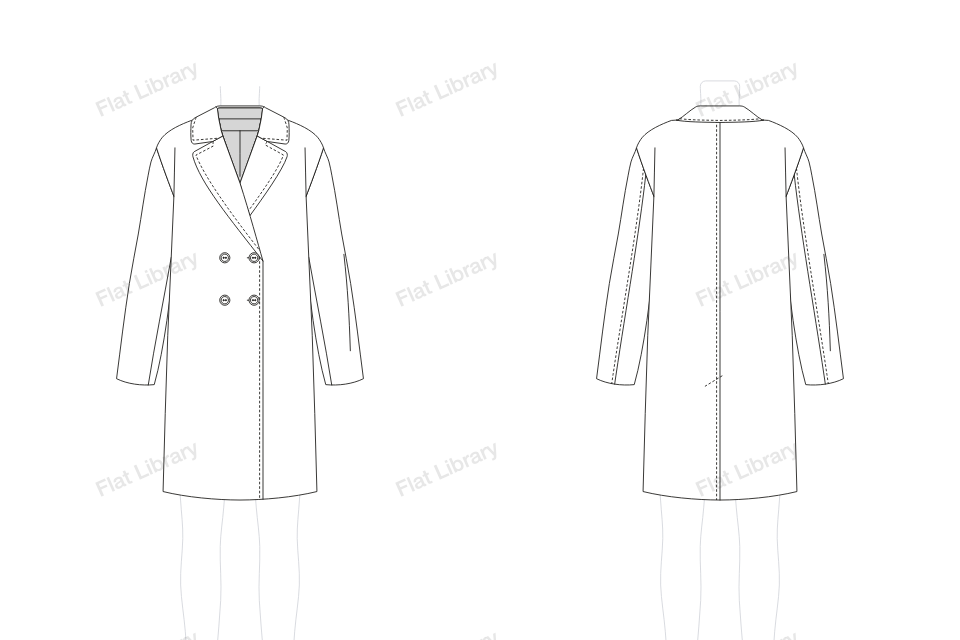
Double-Breasted Coat
A double-breasted coat closes with two columns of buttons and a wide overlap.
- Views
- Front and back, drawn together
- Named layers
- Sleeve L, Sleeve R, Inside, Body, Front Closure, Collar and Buttons
- Anchors
- 212 on the front, only where a line turns
- File
- Editable vector in Adobe Illustrator
How to draw a double-breasted coat flat in Illustrator
- Open Flat Library in Adobe Illustrator and go to Outerwear.
- Choose Double-Breasted Coat from the pictures. It is drawn on the template, front and back.
- Pull the blue points to change its length, width, neck and sleeve. The front and back redraw together, and the figure stops you going too tight.
- Insert it into your document as clean, named layers, and keep working by hand.